

Online shoppers cannot pick up a product, turn it over, feel its material or inspect it under store lighting. Product photography has to do much of that work on the screen. The strongest ecommerce images are not simply attractive. They answer questions, communicate scale and detail, support the brand, reduce uncertainty and help customers understand what they are about to buy.
This is Cluster 12 in Desa Digit's ecommerce authority hub. It connects the Ecommerce Website Design Washington pillar with Ecommerce Website Examples, Product Page Optimization, Mobile Ecommerce Design, Ecommerce Speed Optimization, Ecommerce SEO Washington, Shopify Website Design Washington and WooCommerce Website Design Washington.
Ecommerce photography in one minute
- Use a clean primary image that makes the product immediately understandable.
- Add multiple angles, close details, scale references and lifestyle context when useful.
- Keep lighting, crop, background and color treatment consistent across a collection.
- Photograph at sufficient resolution, but do not serve giant files to small screens.
- Use responsive image delivery and compress files before they become a speed problem.
- Write useful alt text that describes the image instead of stuffing keywords.
- Keep the product itself accurate—avoid edits that misrepresent color, size or included items.
- Build a repeatable photography workflow so every new product looks like it belongs in the same store.
Why Product Photography Matters in Ecommerce
Shopify's current product-photography guidance emphasizes that shoppers cannot physically handle products online, so images carry much of the burden of communicating value and product detail. WooCommerce similarly describes product images and galleries as tools for showcasing products, building customer confidence and supporting discovery through search and social surfaces.
“A product photo should not merely show what the item looks like. It should remove one more reason for the shopper to hesitate.”Desa Digit ecommerce merchandising principle
The Ecommerce Product Photography Shot List
Do not photograph products randomly. Build a shot list around the questions a buyer would ask if the product were sitting in front of them.
Not every product needs the same gallery
A coffee mug may need a few clean angles and one lifestyle image. A backpack may need interior compartments, straps, zipper details and a scale image. A technical product may need ports, controls, labels and diagrams. Build the gallery around purchase uncertainty.
A Professional Product Photography Setup Without a Huge Studio
Current Shopify guidance notes that effective DIY product photography can be created with a smartphone, stable support and controlled light. The expensive camera is not the first requirement. Consistency and control matter more.
Lighting: Make the Product Easy to Read
Soft, controlled light is a reliable starting point because it reveals form and texture without creating distracting highlights. Reflective products, glass, jewelry and glossy packaging require more careful control because the product reflects the entire environment around it.
Natural light
A large window can produce attractive soft light for a small catalog. Avoid mixing daylight with strongly different indoor light sources because color correction becomes harder.
Artificial light
Continuous lights or strobes provide repeatability when products must be photographed across multiple days. Once a lighting setup is established, record its position so new inventory can match older images.
White Backgrounds vs. Lifestyle Photography
| Image type | Best use | Primary job |
|---|---|---|
| Clean background | Catalog grids and primary product images | Make the product immediately identifiable. |
| Lifestyle | Product galleries, campaigns, social | Show context, aspiration and use. |
| Detail macro | Product page | Show texture, construction and small features. |
| Scale image | Product page | Help shoppers understand real-world size. |
| Packaging/bundle | Product page | Clarify what the customer receives. |
| Instructional | Product page / support | Explain assembly, fit, dimensions or operation. |
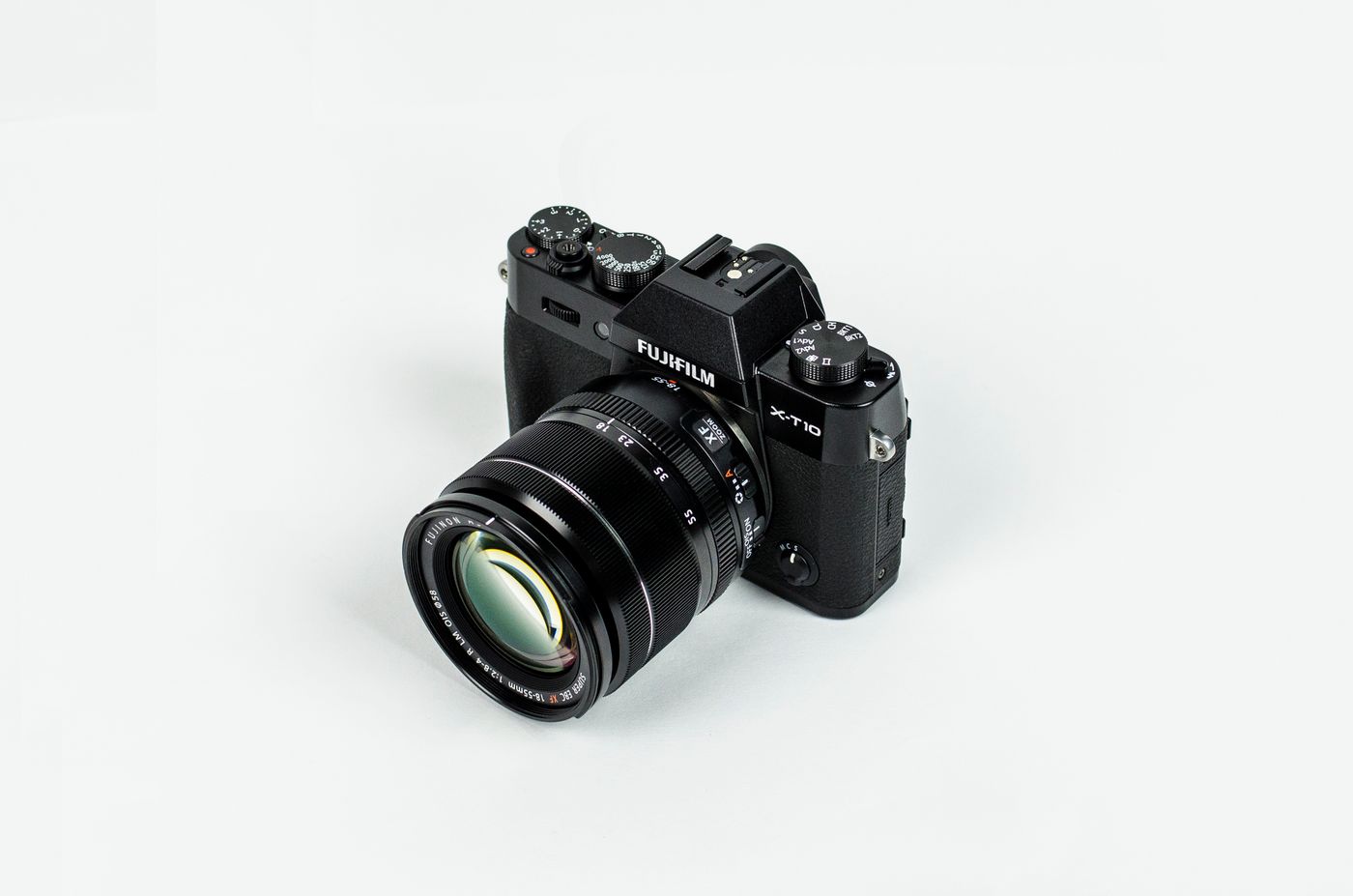
Consistency Makes a Catalog Look More Expensive
A collection can contain individually good photos and still feel unprofessional if every product is framed differently. Define visual rules before the shoot.
- consistent aspect ratio;
- consistent product scale within the frame;
- consistent horizon and camera height;
- consistent background treatment;
- consistent white balance and exposure;
- consistent shadow style;
- consistent crop behavior in category grids.
Editing Without Misrepresenting the Product
Editing should make the image accurate, clear and consistent. It should not create a product the customer will not receive.
- correct exposure and white balance;
- remove dust and temporary imperfections;
- straighten and crop consistently;
- correct lens distortion where necessary;
- match product color carefully;
- export appropriate dimensions and compression.
Color accuracy matters
For apparel, cosmetics, home goods and other color-sensitive categories, aggressive filters can increase disappointment and returns. Use calibrated workflows when color is commercially important, and remember that customer displays also vary.
Product Photography for Shopify
Shopify's current photography resources recommend combining studio product images and lifestyle images to showcase products and brand context. Shopify also handles important parts of storefront image delivery, but merchants still control the quality and usefulness of the source photography.
For Shopify stores, standardize the source assets before uploading: consistent crop, clean filenames, useful alt text and enough resolution for product detail without keeping unnecessary master-sized files in the storefront workflow.
Product Images for WooCommerce
WooCommerce uses different image contexts including the main single-product image, catalog images and thumbnails. Its current documentation says original images should be at least 800×800 pixels for most themes, while the exact requirement should meet or exceed the largest size rendered by the active theme.
WooCommerce also notes that high-density displays may need larger source dimensions for sharpness, while larger files can affect performance. If theme dimensions change and older images become blurry, WooCommerce provides thumbnail regeneration tools.
Photography for Mobile Ecommerce
On a phone, images occupy a much larger percentage of the visible interface. That makes crop and composition especially important.
- keep the primary subject obvious at thumbnail size;
- avoid tiny text baked into product photos;
- check vertical and square crops before campaigns launch;
- make gallery controls easy to swipe and understand;
- do not make customers pinch-zoom simply to understand a basic feature.
For the complete mobile shopping framework, see Mobile Ecommerce Design.
Product Images and Website Speed
Images often represent a large portion of page bytes. Responsive image delivery allows the browser to select an image closer to the size the customer's device actually needs, reducing unnecessary data transfer. web.dev notes that serving desktop-sized images to mobile can use substantially more data than necessary and that responsive images can improve image load duration and LCP.
WooCommerce 10.6 introduced lazy loading by default for images from the Product Image block, with a filter available when an above-the-fold image should instead load eagerly. For broader performance strategy, see Ecommerce Website Speed Optimization.
Ecommerce Image SEO for Google
Google's current image SEO guidance recommends descriptive filenames, titles and alt text, placing images near relevant text and using useful, context-aware alt descriptions. Google specifically warns against keyword stuffing in alt attributes.
Good product-image filename
walnut-standing-desk-front-view.webp
Weak filename
IMG_4839.webp
Useful alt text
Describe what a person would need to understand from the image. For example: “Walnut standing desk with black adjustable legs shown from the front.”
Do not turn alt text into a keyword list
Alt text primarily exists to make images understandable when they cannot be seen. SEO value comes from accurate context, not repetition.
The Product Photography Workflow
A Repeatable Catalog System
- Plan. Define required shots, aspect ratios, backgrounds and channels.
- Shoot. Use fixed lighting and camera/product positions.
- Select. Choose images for clarity and buying usefulness, not only aesthetics.
- Edit. Match exposure, crop, color and cleanup across the catalog.
- Optimize. Resize, compress and prepare responsive delivery.
- Publish. Add descriptive filenames, alt text and gallery order.
- Audit. Test mobile, zoom, page speed and the full product-page experience.
Common Ecommerce Photography Mistakes
- Only one product image for an item that needs explanation.
- Different backgrounds on every catalog item.
- Oversaturated colors that do not match the real product.
- No scale reference for unfamiliar sizes.
- Huge original files uploaded directly from a camera.
- Blurry thumbnails caused by undersized source files.
- Important details hidden in shadows.
- Lifestyle photography that looks attractive but does not show the product clearly.
- Keyword-stuffed alt text.
- Inconsistent gallery ordering across products.
The 50-Point Ecommerce Product Photography Checklist
Authoritative product-image resources
Frequently Asked Questions About Ecommerce Product Photography
How many product photos should an ecommerce product have?
There is no universal number. Use enough images to answer the important buying questions: primary view, useful angles, details, scale, context and included items. Simple products may need only a few; complex products may need substantially more.
Can I use a smartphone for ecommerce product photography?
Yes. Modern smartphones can produce strong ecommerce images when lighting, stability, framing and editing are controlled consistently.
What size should WooCommerce product images be?
WooCommerce's current documentation says original images should be at least 800×800 pixels for most themes, but source images should meet or exceed the largest size rendered by the active theme.
What should product image alt text say?
Describe the meaningful visual content naturally and specifically. Alt text should help someone understand the image when they cannot see it; do not turn it into a list of SEO keywords.
Should product images be WebP?
WebP can be an efficient format for web delivery, and AVIF may also be useful. The best choice depends on your platform and image pipeline. Keep high-quality masters separately from optimized storefront files.
Should all product photos use a white background?
No. A clean primary image is useful for catalogs, while lifestyle, detail and scale images can answer different buying questions. Use each image type intentionally.
Do product images affect website speed?
Yes. Large or incorrectly sized images can add substantial page weight. Compression, responsive image delivery, appropriate dimensions and careful lazy loading can improve performance.
Can product images help Google SEO?
Yes. Google recommends making images discoverable, placing them on relevant pages near useful text, and using descriptive filenames and alt text. Product and ecommerce structured data can also help Google understand commerce content.
Your Product Images Should Do More Than Look Good.
A strong ecommerce store combines professional product presentation with fast image delivery, mobile-friendly galleries, useful product pages and search-friendly technical structure. Desa Digit can help bring those pieces together.
Request an Ecommerce Website Demo